How AI Porn Video Generation Works
Understanding how to create AI porn videos starts with understanding motion synthesis. Unlike traditional CGI, an ai sex video generator does not rely on 3D rigs. Instead, it uses diffusion models to predict how pixels should shift over time to simulate movement.
The biggest challenge in this process is temporal consistency—the ability of the AI to maintain a character's appearance from one millisecond to the next. In image to video porn workflows, the AI uses the first frame as a "source of truth," which significantly reduces the chaotic warping seen in older generative methods. By calculating the trajectory of motion between frames, the AI creates a fluid sequence that maintains the aesthetic of the original art.
Text-to-Video vs Image-to-Video
When exploring an ai porn video generator, you will encounter two primary methods: Text-to-Video (T2V) and Image-to-Video (I2V).
Text-to-Video (T2V)
You generate a video directly from a text prompt. While fast, T2V often struggles with anatomy consistency. Because the AI is "dreaming" the subject and the motion simultaneously, characters often morph or change appearance mid-clip.
Image-to-Video (I2V)
You provide a high-quality base image and then tell the AI how to animate it. This is the practical standard for ai image to video because it separates character design from motion synthesis.
For the adult vertical, where physical proportions and specific facial features are critical, I2V is the superior choice. It allows you to perfect the look of the performer before committing to the render.
Step-by-Step: How to Make AI Porn Videos
The following workflow is used by top-tier creators to produce stable, high-fidelity content.
Step 1: Generate a Strong Base Image
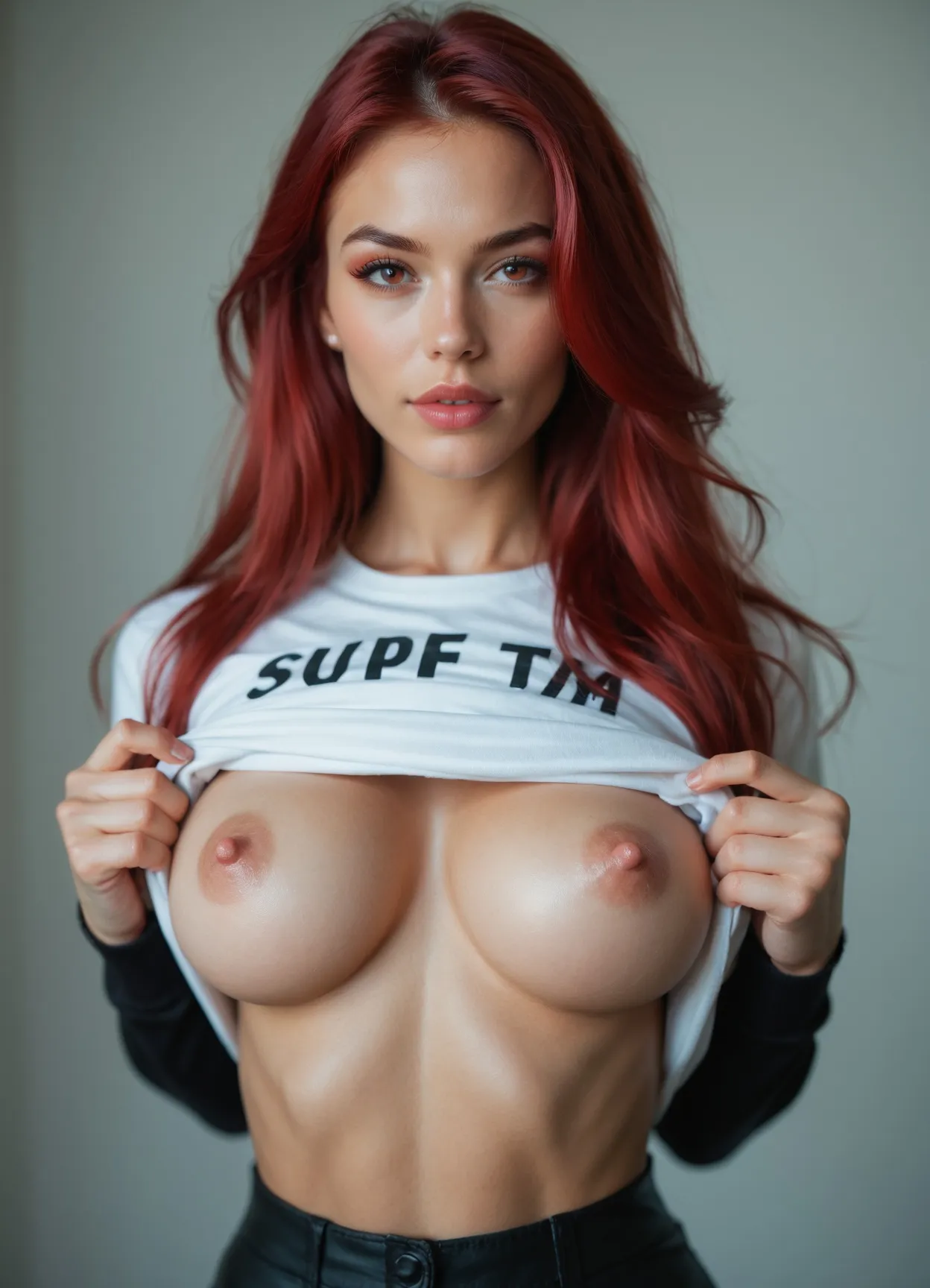
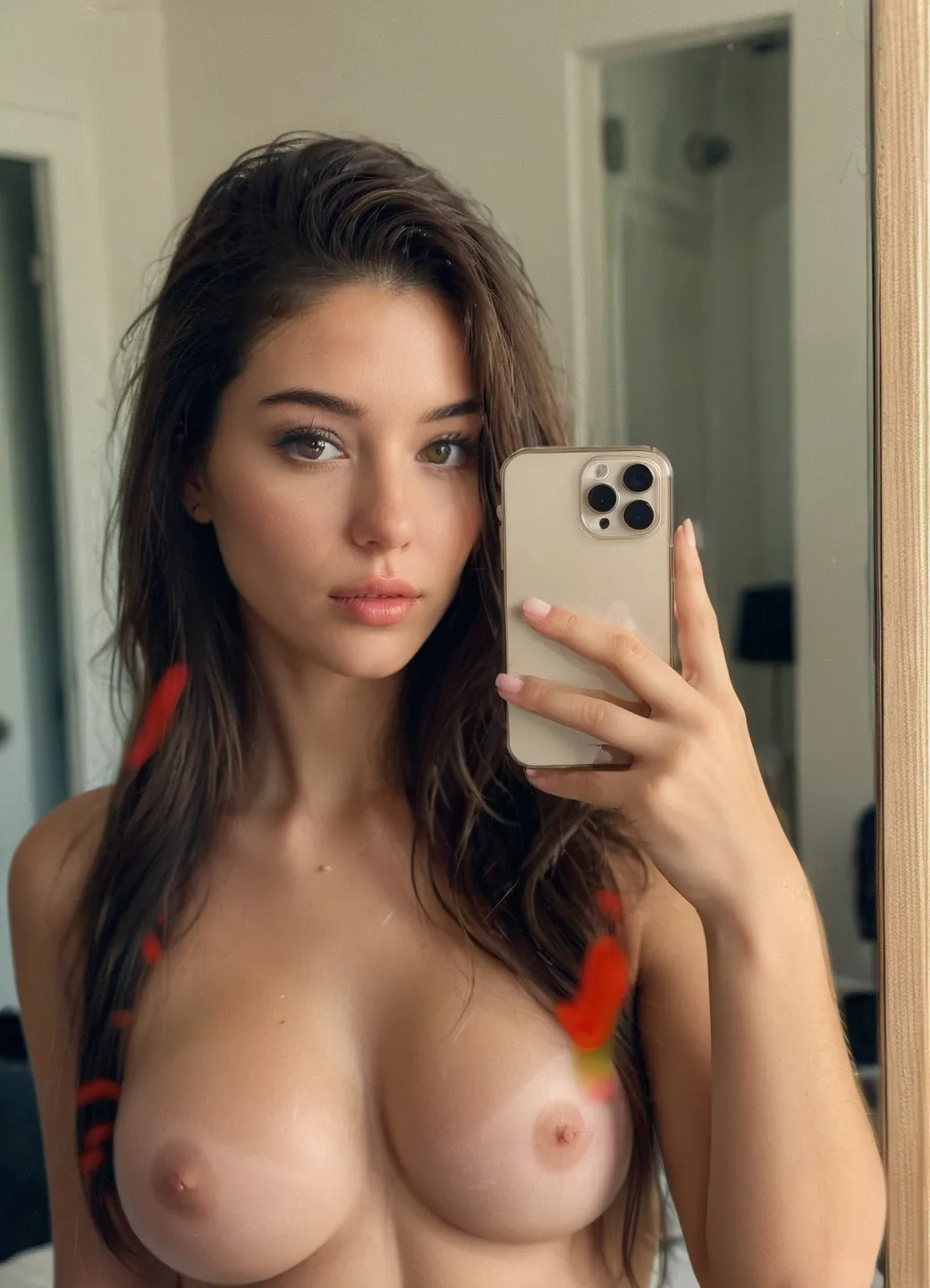
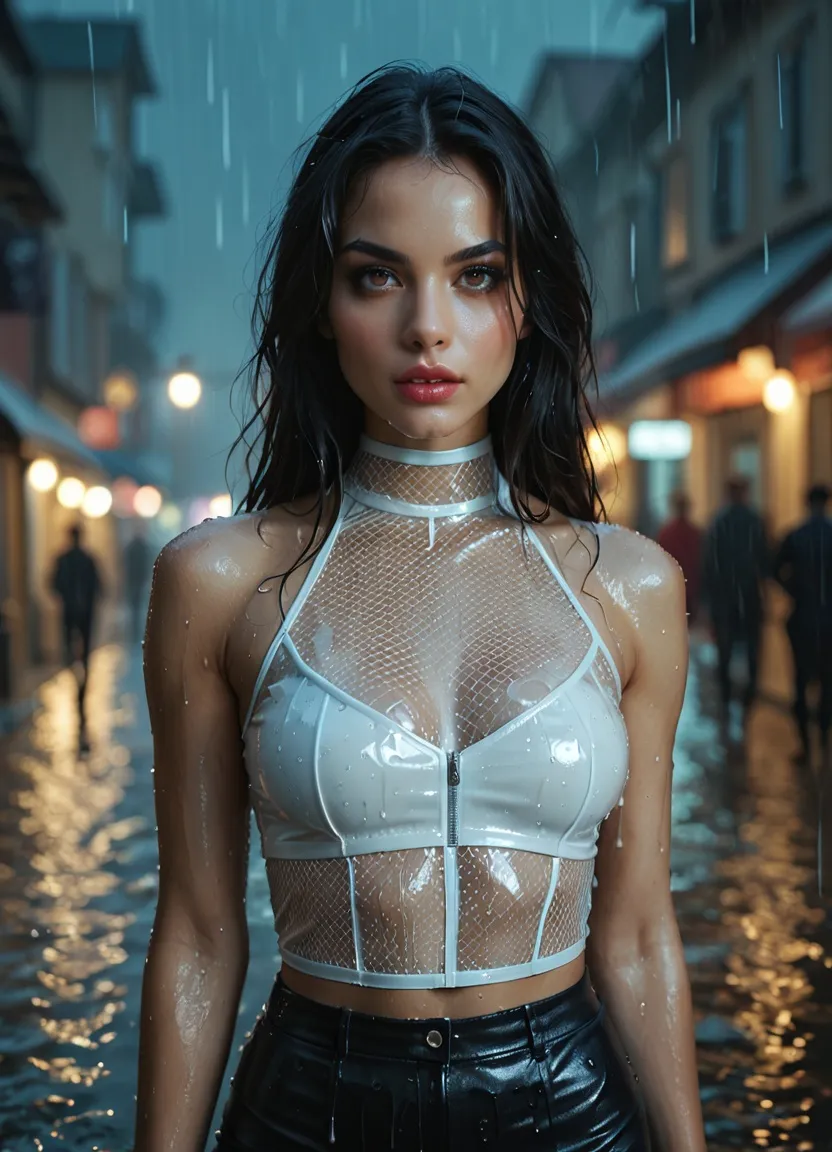
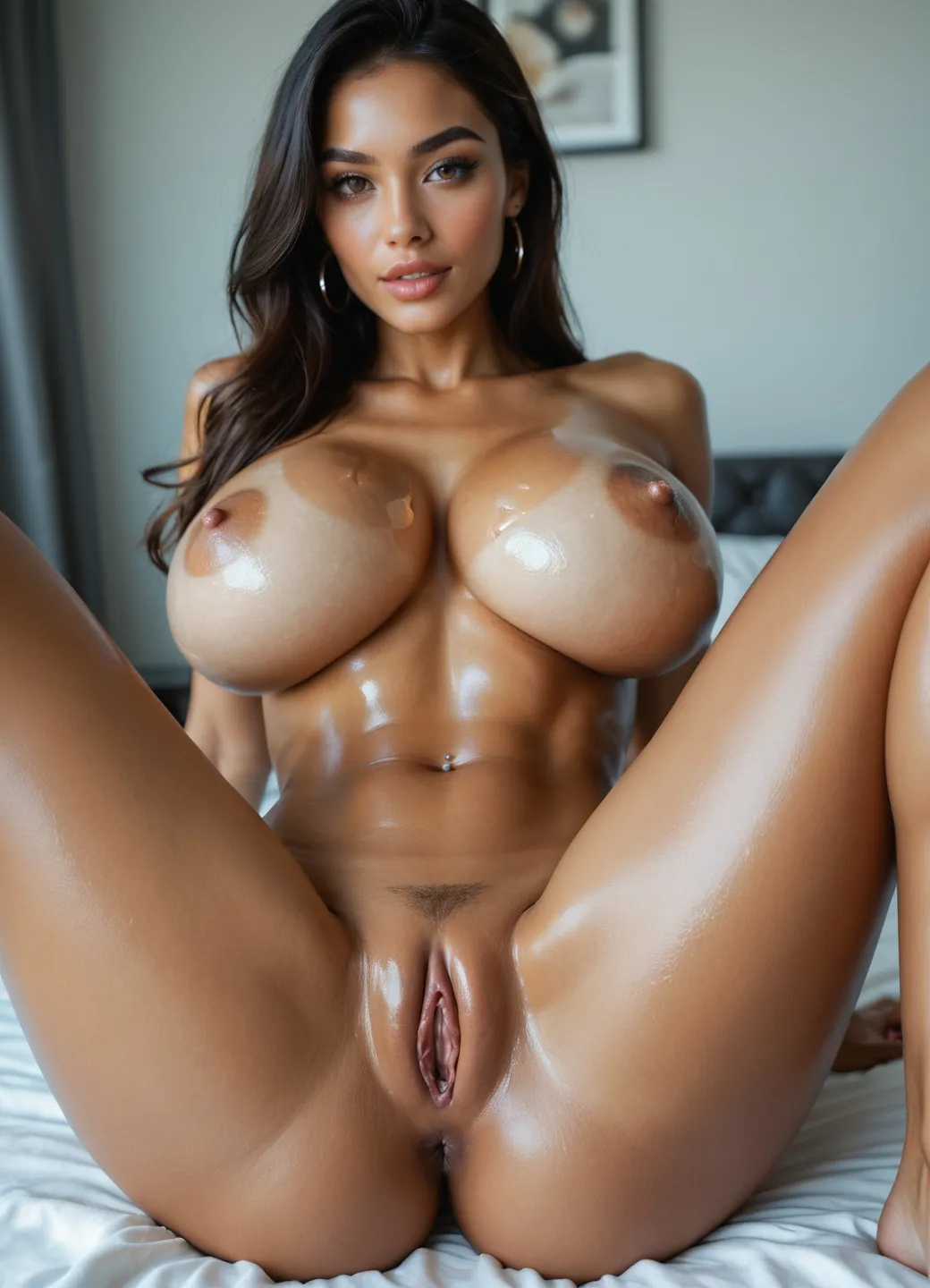
Everything starts with the "Seed." You need a high-resolution base frame that defines the lighting, the character, and the initial pose. If you haven't mastered character creation yet, visit our AI porn generator guide to learn how to build the perfect subject.
Step 2: Clean the Anatomy Before Animation
Before you animate, check the base image for artifacts like extra fingers or blurred edges. Use inpainting or AI undress tools to ensure the anatomy is as clean as possible before animation. Any error in the base image will be magnified once the motion begins.
Step 3: Animate the Image
Upload your image to an AI porn video generator. Provide a "Motion Prompt" describing the action (e.g., "slow breathing, hair blowing in wind") rather than the girl. This tells the ai sex video generator which parts of the image to move.
Step 4: Keep the Motion Simple
For a stable video loop, less is more. Focus on subtle movements like breathing, a head tilt, or slow hip motion. These smaller movements preserve skin texture and realism, preventing the AI from breaking the anatomical structure.
Step 5: Upscale or Iterate
Once the raw ai adult video is rendered, the final step is to upscale or re-render specific frames. Professional creators often generate multiple iterations to find the one perfect clip where motion stability remains consistent throughout the duration.
Technical Failure Points: Why AI Porn Videos Fail
Poor motion stability is one of the main reasons AI porn videos fail, especially in image to video porn workflows. Even with the best tools, you will encounter technical hurdles.
Flickering
Occurs when the AI loses temporal consistency, causing lighting or textures to "strobe" between frames.
Broken Anatomy
If motion strength is set too high, the AI forgets limb placement, resulting in "spaghetti arms" or shifting torsos.
Too Much Motion
Complex sexual acts in a single 4-second clip often lead to a distorted, melting mess.
Bad Source Image
If the base frame is cluttered, the AI will struggle to distinguish the subject from the background.
Best Practices for Better AI Porn Videos
To get the most out of an uncensored ai video generator, follow these best practices:
Prioritize Short Loops
A 3-to-5 second ai porn video loop is much easier to keep stable than a long clip.
Avoid Multi-Character Complexity
Start with solo performers to master anatomy consistency before moving to group scenes.
Preserve Identity
Always use the same seed image if you are building a narrative to keep the character's look anchored.
Use Camera Prompts
Instead of moving the character, try moving the "camera" with tags like "slow zoom" or "panning shot" to add ai porn motion safely.