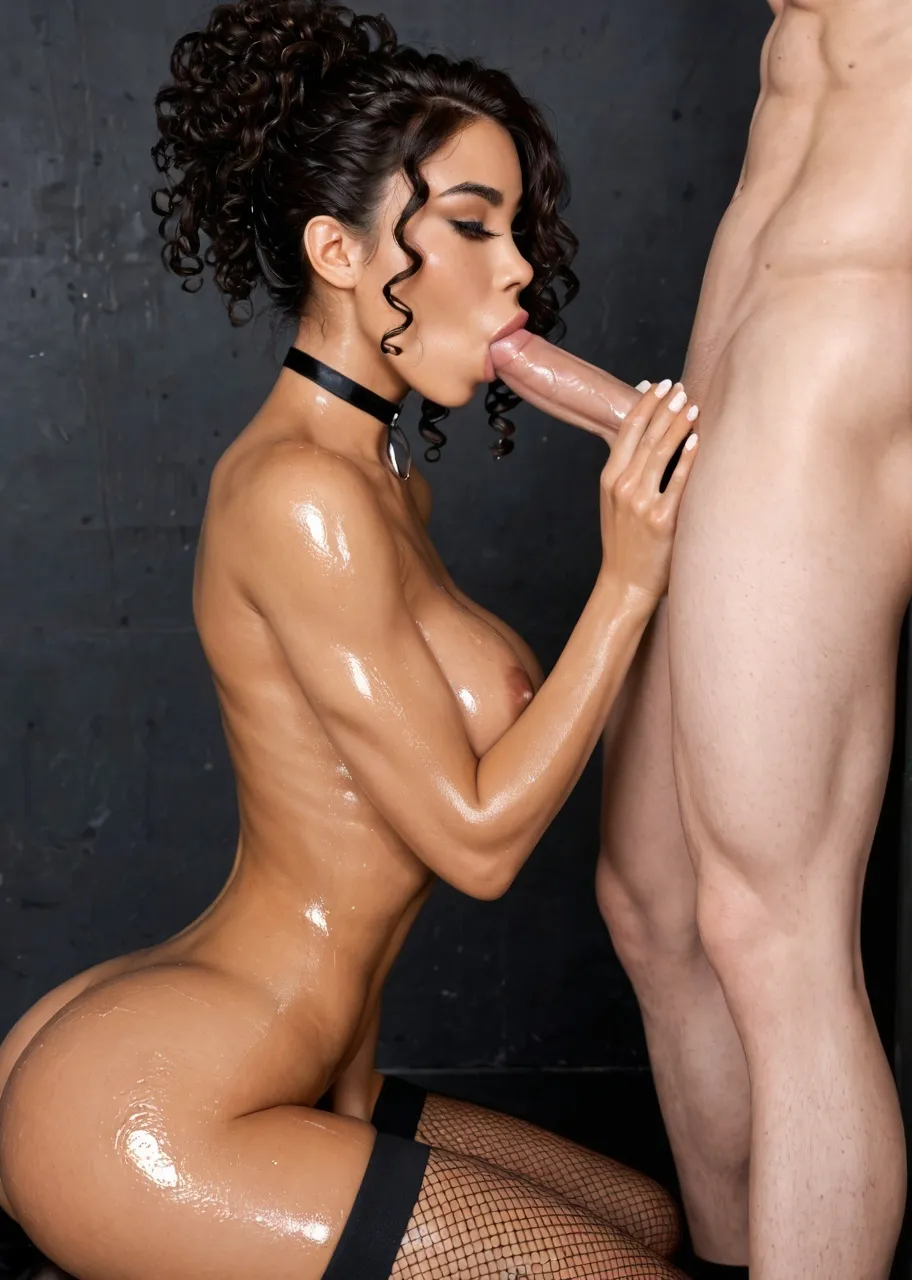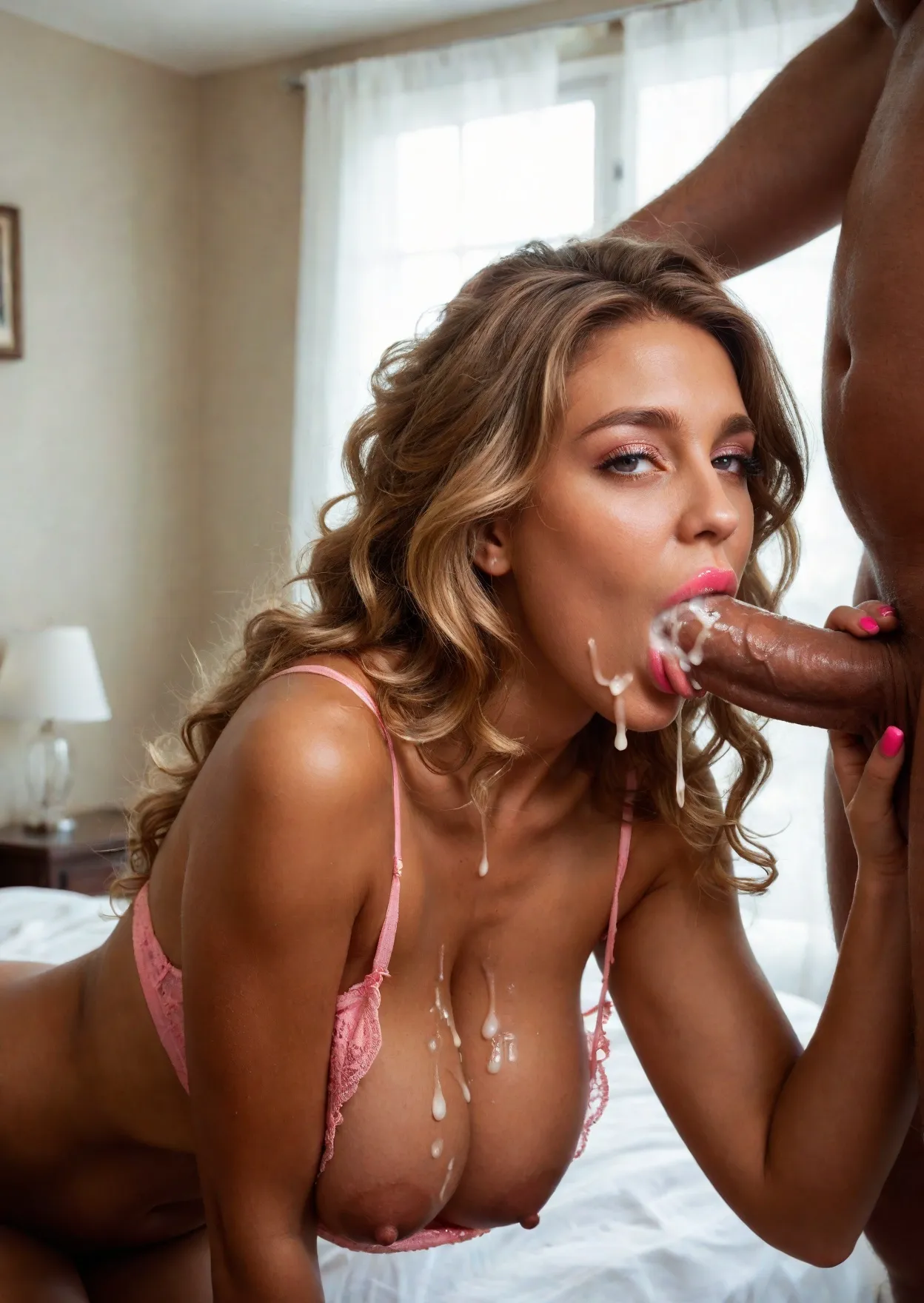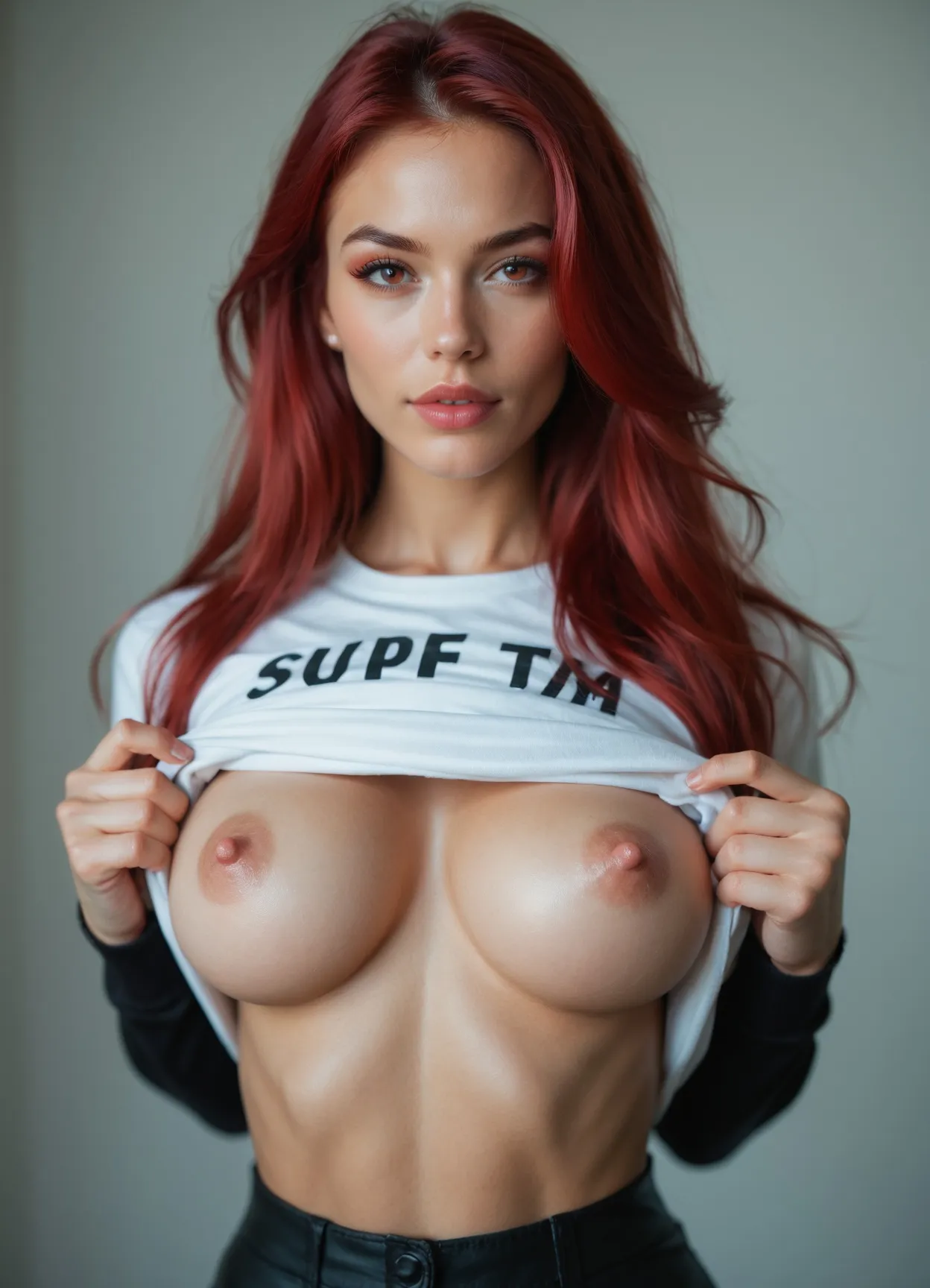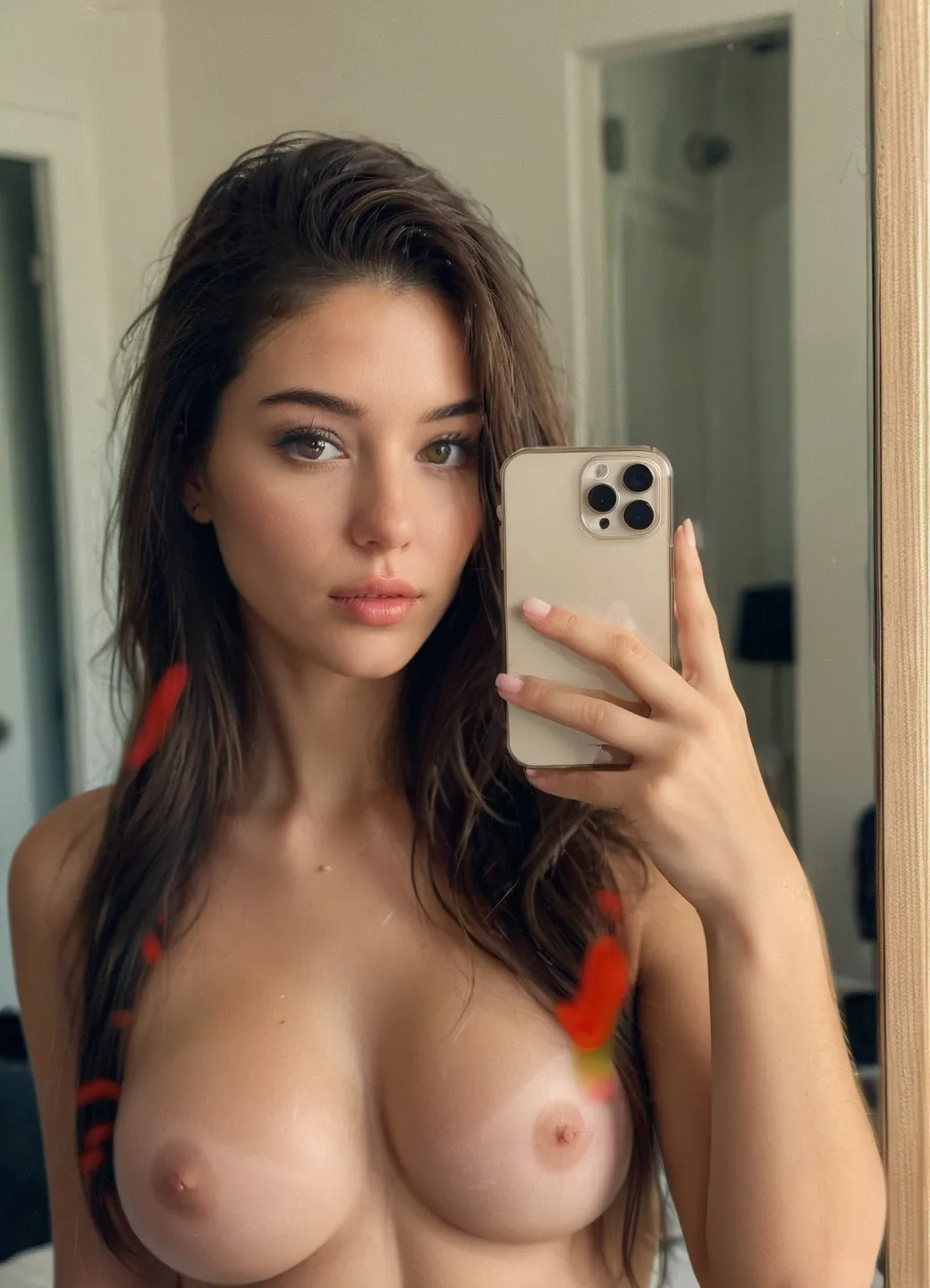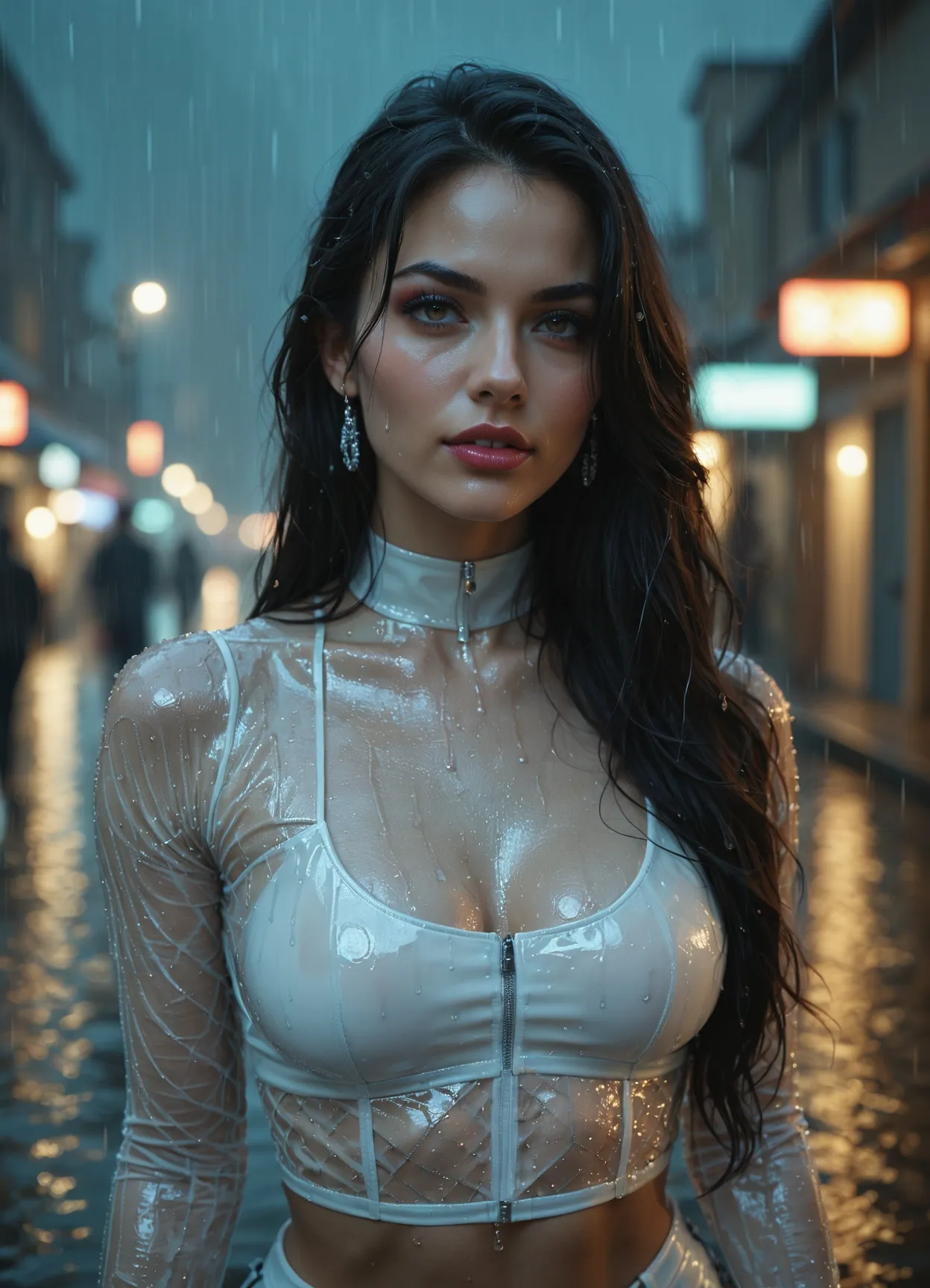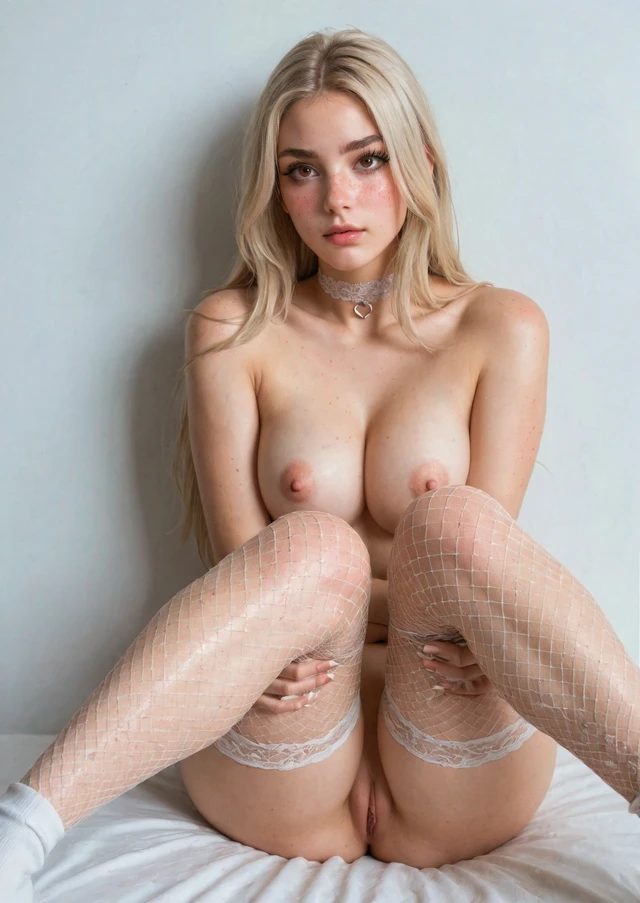
1. The Basics: How AI Porn Image Generation Works
To learn how to make AI porn images, you must first understand that the AI is not "searching" for an existing picture. It is generating something entirely new based on probability and your instructions.
Text-to-Image & Diffusion
Most modern generators use "Latent Diffusion." When you click "Generate," the system starts with a canvas of random Gaussian noise—essentially digital static. The AI then uses its training (learned from millions of image-and-text pairs) to identify shapes and textures that match your prompt. Through a series of "sampling steps," it removes the noise and replaces it with structured pixels.
The Power of the Seed
Every generation is assigned a unique number called a "Seed." If you keep the same seed and the same prompt, you will get the exact same image. Changing even one word in the prompt while keeping the seed allows you to perform "controlled iterations"—changing the color of a character's hair or their outfit without altering the overall composition.
2. Writing Better AI Porn Prompts
The prompt is your director's script. A vague prompt like "sexy woman" will result in a generic, low-quality image. High-end AI porn creation requires a structured approach.
Start with the Core Subject
Define your character first. Be specific about physical traits to ensure the AI doesn't default to a generic "average" look.
- Appearance: "Athletic woman, tanned skin, freckles, long messy red hair, green eyes."
- Adult Character Framing: Use specific terms to keep the subject clearly framed as an adult in the prompt structure, helping the model interpret the subject as clearly adult within the prompt.
- Body Type: "Curvy, petite, muscular, or slender."
Add Clothing, Pose, and Camera Angle
The context of the scene is as important as the person.
- Outfit: "Transparent black lace lingerie, black silk stockings, high heels."
- Pose: "Lying on back, arching back, hands behind head, looking at viewer."
- Angle & Framing: "Close-up, low angle shot, wide shot, Dutch angle, or bokeh background."
Use Lighting and Quality Tags
This is where you move from "AI-looking" images to photorealistic results.
- Lighting: "Cinematic lighting, volumetric fog, warm gold hour glow, rim lighting, hard shadows."
- Quality: "8k, masterpiece, highly detailed skin texture, goosebumps, sweat beads, photorealistic."
Use Negative Prompts
Negative prompts tell the AI what not to do. This is essential for avoiding the common "AI artifacts."
- Standard Negative String: "Bad anatomy, extra fingers, deformed hands, blurry, low quality, watermark, signature, cartoon, 3d render, plastic skin, fused limbs."
3. Models, LoRAs, and Control Tools
Writing the perfect prompt isn't enough if you're using the wrong engine.
Base Models & Checkpoints
A "Checkpoint" is the AI's brain. Some models are trained specifically for "Photo Realism," while others excel at "Hentai" or "Stylized Art." Choosing a model specifically fine-tuned for adult content ensures that the AI understands anatomical interactions and clothing physics better than a general-purpose model.
LoRAs (Style & Character Locks)
LoRAs are small, specialized files that you "stack" on top of your main model. If you want a specific fictional character or a very specific aesthetic (e.g., "1990s VHS look"), a LoRA is the most efficient way to achieve it without bloating your prompt.
ControlNet & Pose Tools
Earlier AI models struggled with complex poses. In 2026, creators use ControlNet to provide the AI with a "pose map" (a digital skeleton). This forces the AI to follow your exact body positioning, eliminating the "impossible limb" problem.